区块 Blocks
向块库贡献组件。
我们诚邀社区成员为 块库 贡献组件。与其他开发者分享您的组件和块,帮助构建一个高质量、可复用组件的库。
我们期待看到各种类型的块:应用程序、营销、产品等。
设置您的工作区
Fork 仓库
git clone https://github.com/shadcn-ui/ui.git新建一个分支
git checkout -b username/my-new-block安装依赖
pnpm install启动开发服务器
pnpm www:dev添加一个块
一个块可以是一个单独的组件(例如一个 UI 组件的变体),也可以是一个复杂组件(例如一个仪表盘),包含多个组件、hooks 和工具函数。
创建一个新块
在 apps/www/registry/new-york/blocks 目录下创建一个新文件夹。确保文件夹名采用 kebab-case 格式,且在 new-york 目录下。
apps
└── www
└── registry
└── new-york
└── blocks
└── dashboard-01注意: 构建脚本会负责为 default 样式构建该块。
添加块文件
将您的文件添加到块文件夹中。下面是一个包含页面、组件、hooks 和工具函数的块示例。
dashboard-01
└── page.tsx
└── components
└── hello-world.tsx
└── example-card.tsx
└── hooks
└── use-hello-world.ts
└── lib
└── format-date.ts注意: 您可以从一个文件开始,后续再添加更多文件。
将您的块添加到注册表
在 registry-blocks.tsx 中添加块定义
要将您的块添加到注册表,需要将块定义加入到 registry-blocks.ts 中。
该定义遵循注册表的模式,参考https://ui.shadcn.com/schema/registry-item.json。
export const blocks = [
// ...
{
name: "dashboard-01",
author: "shadcn (https://ui.shadcn.com)",
title: "Dashboard",
description: "一个带有 Hello World 组件的简单仪表盘。",
type: "registry:block",
registryDependencies: ["input", "button", "card"],
dependencies: ["zod"],
files: [
{
path: "blocks/dashboard-01/page.tsx",
type: "registry:page",
target: "app/dashboard/page.tsx",
},
{
path: "blocks/dashboard-01/components/hello-world.tsx",
type: "registry:component",
},
{
path: "blocks/dashboard-01/components/example-card.tsx",
type: "registry:component",
},
{
path: "blocks/dashboard-01/hooks/use-hello-world.ts",
type: "registry:hook",
},
{
path: "blocks/dashboard-01/lib/format-date.ts",
type: "registry:lib",
},
],
categories: ["dashboard"],
},
]确保您填写了 name、description、type、registryDependencies、dependencies、files 和 categories。我们将在模式文档(即将发布)中详细介绍这些字段。
运行构建脚本
pnpm registry:build注意: 不需要每次更改都运行该脚本,仅在更新块定义时运行它即可。
查看您的块
构建脚本完成后,您可以在 http://localhost:3333/blocks/[CATEGORY] 查看您的块,或者在 http://localhost:3333/view/styles/new-york/dashboard-01 进行全屏预览。
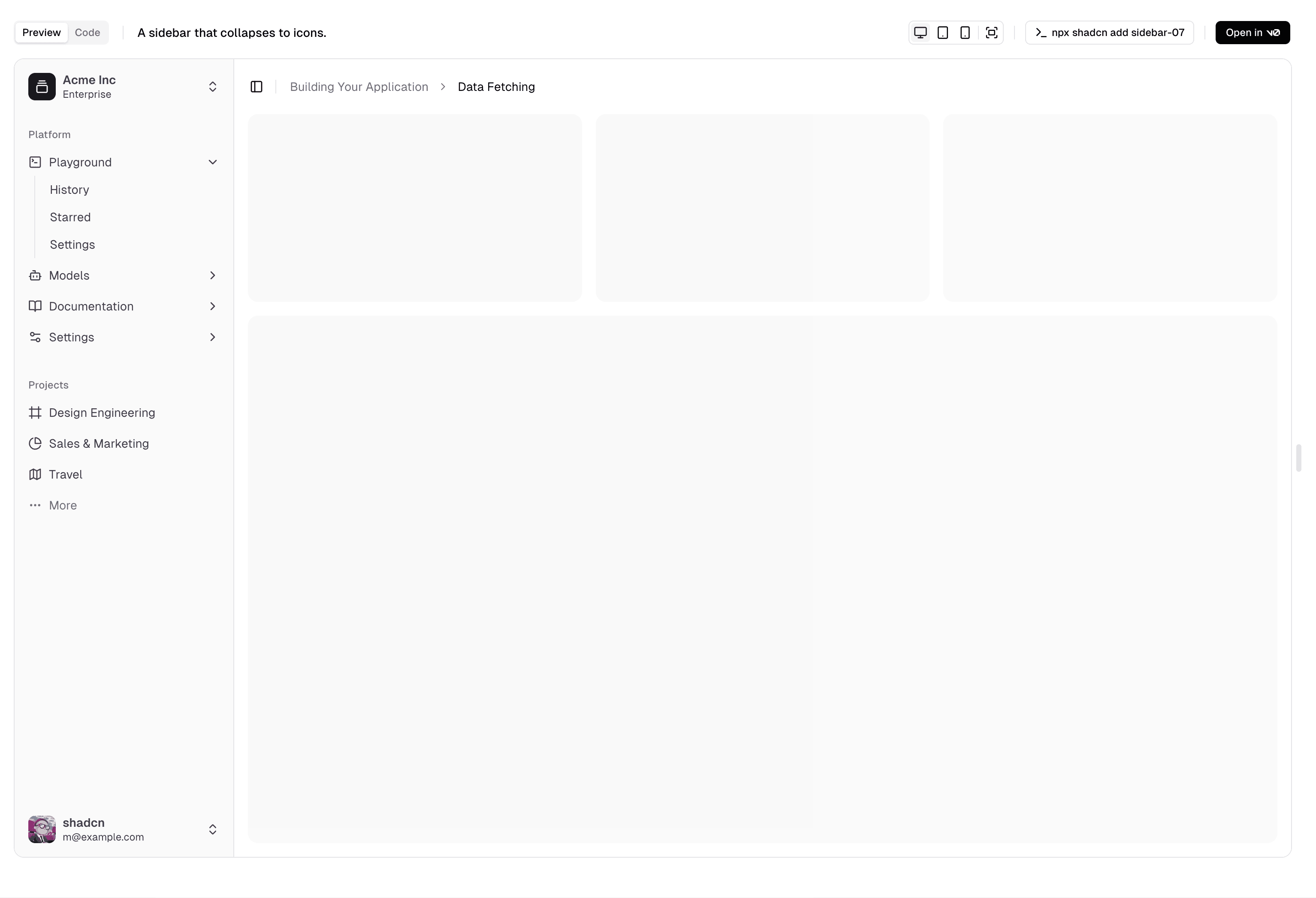
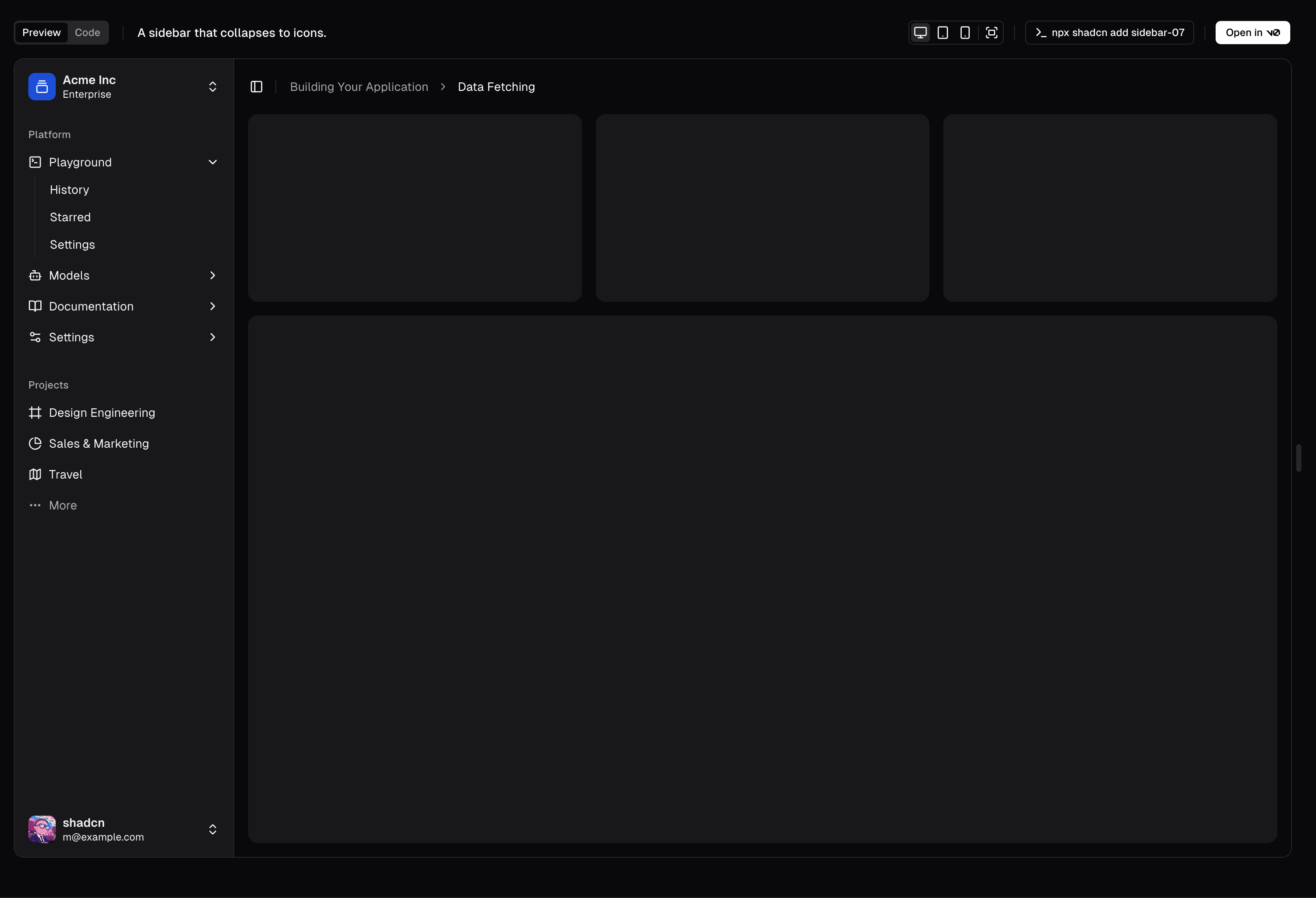
构建您的块
您现在可以通过编辑块文件夹中的文件来构建您的块,并在浏览器中查看更改。
如果添加了更多文件,请确保在块定义中的 files 数组中添加它们。
发布您的块
准备好发布您的块后,您可以提交一个 pull request 到主仓库。
运行构建脚本
pnpm registry:build捕获截图
pnpm registry:capture注意: 如果之前运行过捕获截图的脚本,可能需要删除 apps/www/public/r/styles/new-york 目录下已有的截图(包含明暗模式),然后重新运行脚本。
提交 Pull Request
提交您的更改并创建一个 Pull Request 到主仓库。
您的块将被审核合并。合并后,将发布到网站,并通过 CLI 可供安装。
分类
categories 属性用于在注册表中组织您的块。
添加分类
如果需要添加新分类,可以在 apps/www/registry/registry-categories.ts 中的 registryCategories 数组添加。
export const registryCategories = [
// ...
{
name: "Input",
slug: "input",
hidden: false,
},
]指南
以下是向块库贡献时的部分规范:
- 块定义必须包含的属性有:
name、description、type、files和categories。 - 确保在
registryDependencies中列出所有注册表依赖。注册表依赖是注册表中组件的名称,如input、button、card等。 - 确保在
dependencies中列出所有包依赖。包依赖是注册表中包的名称,如zod、sonner等。 - 如果您的块包含页面(可选),应将其作为
files数组中的第一个条目,并包含target属性。这有助于 CLI 将页面放置在文件路由的正确位置。 - 导入语句应始终使用
@/registry路径。 例如:import { Input } from "@/registry/new-york/input"